
Notion permissions almost never break. They stack. Notion gives each person the broadest access they have from any source, so a “Can view” setting loses to “Full access” granted to the whole workspace, a teamspace, or a parent page. Find the widest grant, and you have found the cause.
I set up Notion workspaces for teams that share client and HR pages, so I spend a lot of time untangling access. The rules below come from Notion’s sharing and permissions guide, checked on October 15, 2026.
The rule that explains most problems
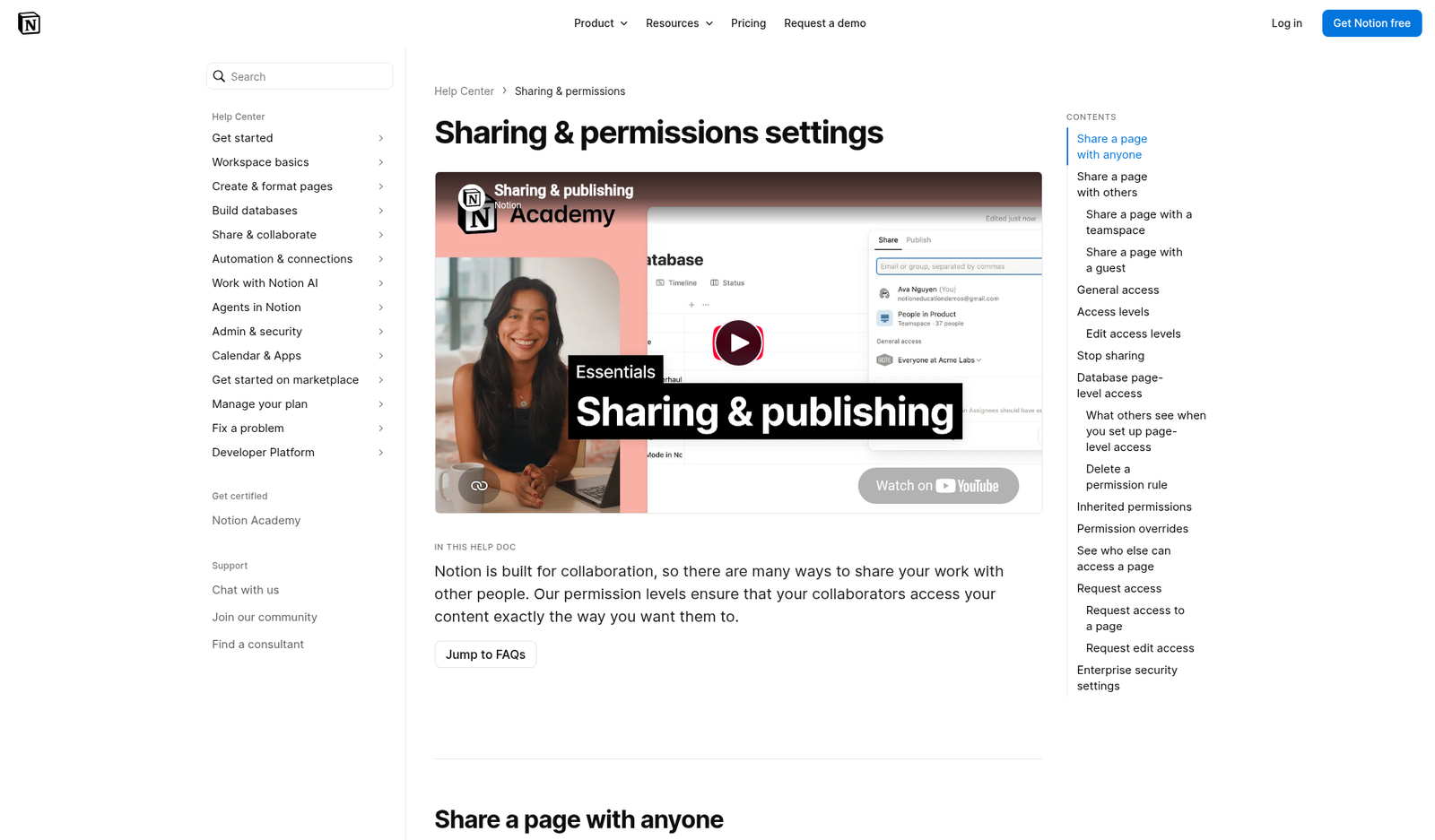
Notion’s own words: it “respects the broadest level of access given to a user.” Their example: you give Member A “Can view” on a page. Then you give everyone in the workspace “Full access.” Member A now has full access, because they are part of the workspace.
So when someone can do more than you expect, look for every place they get access:
- Direct invites on the page.
- A group they belong to.
- The teamspace the page lives in.
- “Everyone at your workspace” in General access.
- A parent page they can access.
- A database rule based on a person property.
The widest one wins.
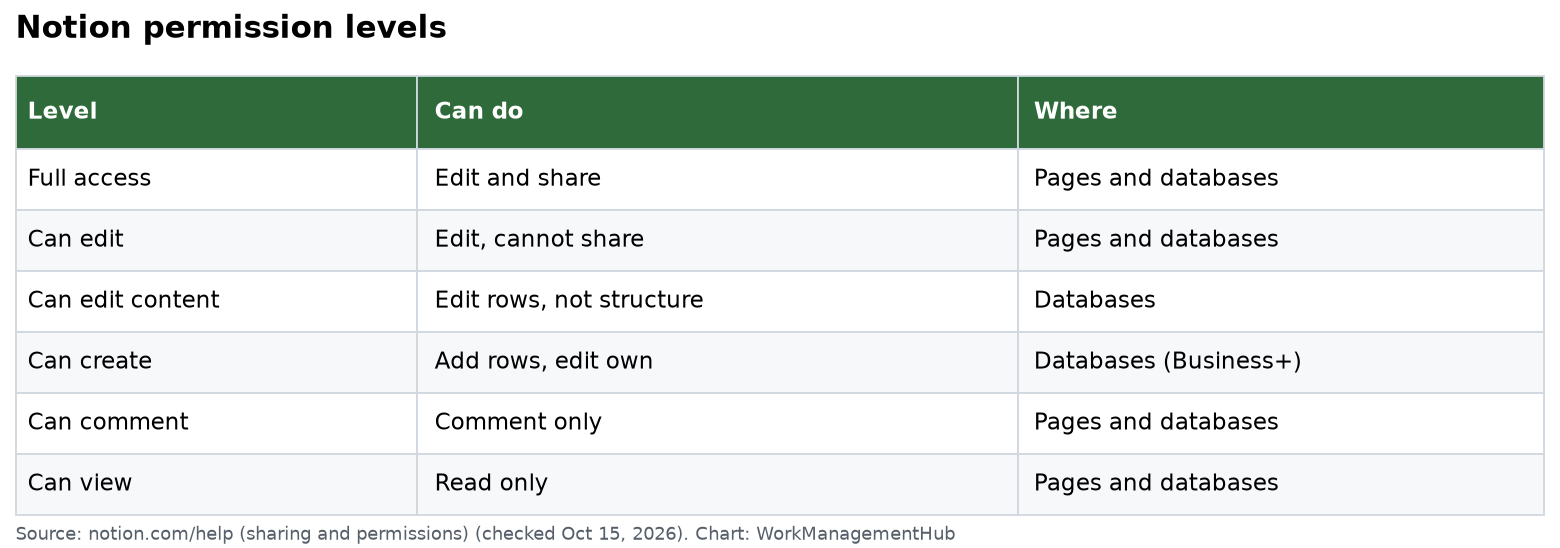
What each level allows
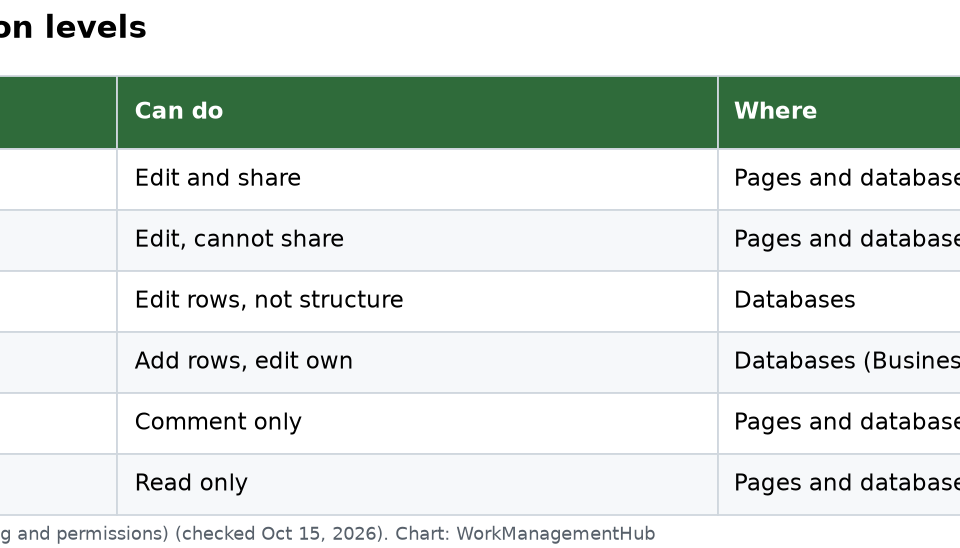
| Level | What they can do | Where it applies |
|---|---|---|
| Full access | Edit everything and share with anyone | Pages and databases |
| Can edit | Edit content, but not share | Pages and databases |
| Can edit content | Add and edit rows and values, not the structure, views, sorts or filters | Databases |
| Can create | Add new rows, but only see rows shared with them | Databases, Business and Enterprise |
| Can comment | Comment only | Pages and databases |
| Can view | Read only | Pages and databases |
Symptom, cause, fix
“They can still edit after I set Can view”
Cause: a wider grant elsewhere. Open Share and check General access. If it says “Everyone at your workspace” with edit rights, that wins. Also check the teamspace and parent page.
Fix: lower the widest grant, then add back people who need more.
“I made it private, but people still see the subpages”
Cause: subpages inherit from their parent when you create them. But when you drag a shared page into your Private section, Notion removes others’ access on that page only. Grants on its subpages stay the same.
Fix: open each important subpage and check its Share menu. Remove access there too.
“A page shared by link shows up for people without the link”
Cause: a page set to Anyone on the web with link can still be reached through other paths. Notion lists three: a mention or link on a page shared more widely, a two-way relation to a page shared more widely, or nesting inside a page shared more widely.
Fix: remove the page from those paths, or turn public sharing off. You can also set a link expiry from the dropdown next to “Anyone on the web with link.”
“People find a page in search that I wanted hidden”
Cause: “Everyone at your workspace” makes a page searchable.
Fix: open the dropdown next to that option and turn on Hide in search. People who already have the link can still open it.
When you cannot share with a guest
Notion lists three common reasons a guest invite fails:
- Your workspace has reached its guest limit. Free allows 10 guests. Paid plans allow unlimited guests, per the pricing page.
- Your workspace or teamspace blocks guests.
- The guest’s email domain is not allowed for your workspace.
One surprise: if your workspace is over its guest limit, Notion can only add a new person as a member, and only if they belong to your workspace’s email domains. Also, with Allowed email domains turned on, anyone with that domain can join as a member on their own. Either way, that can add a paid seat. Check Settings before you invite coworkers as “guests.” Plan costs are in our Notion pricing guide.
Teamspace defaults matter more than you think
Pages inside a default teamspace are open to everyone in the workspace, except restricted members. Teamspace owners can also set default permissions for new pages.
Teamspaces come in three types: Open, Closed and Private. Private teamspaces need Business or Enterprise, according to Notion’s teamspaces guide. If HR or finance pages sit in a default teamspace, move them to a private one.
New in October 2026: Notion 3.8 added column permissions, so database owners can hide or lock single properties (Business and Enterprise, up to 20 properties per database). Our Notion 3.8 update guide covers the rules.
Show people only their own database rows
On Business and Enterprise, a database can give page-level access based on a person or “created by” property. Example: each person sees only the tasks assigned to them.
- Open the source database, not a linked view.
- Click Share.
- Under Page-level access, select Add a new rule.
- Pick the person or created-by property and an access level.
- Select Create rule.
Two warnings. The broadest-access rule still applies, so if the whole workspace has access to the database, this rule will not hide rows. And people limited to their own rows cannot create new pages unless you give them a form. Our Notion database guide covers database setup.
When the blocked party is an integration
API tools and agents need explicit access too. A page must be shared with an integration through ••• then Add connections. If not, the API returns 404 object_not_found, the same error as a page that does not exist. That confuses a lot of developers. A 403 restricted_resource means the token lacks permission, or the request hit a workspace block limit. See Notion’s API status codes.
If you are building agents that call outside code, our Notion Workers guide walks through access setup.
Ask instead of waiting on an admin
If you hit a page with no access, select No access on the page to send a request. The page’s creators or editors get notified. If you can view but need to edit, open Share, open the dropdown next to your access level, and choose Request edit access.
My five-minute audit
For any sensitive page, I check in this order:
- General access: is it “Only people invited”?
- Teamspace: is it a default teamspace?
- Parent page: who has access above it?
- Groups: who is in each group listed?
- Subpages: do any have their own wider grants?
If you are weighing Notion against a tool with stricter page controls, our Notion vs Confluence comparison is worth a read.
Common questions
Why can someone edit a page I set to Can view?
Notion uses the broadest access a person has from any source. A workspace, teamspace, group or parent page grant with more rights overrides your Can view setting.
Do Notion subpages inherit permissions?
Yes. A new subpage takes on its parent’s permissions. You can change a subpage’s access on its own, and moving a parent to Private does not change grants on its subpages.
How many guests can I invite on Notion’s free plan?
Up to 10 guests on Free. Paid plans allow unlimited guests.
Why does my Notion integration get a 404?
The page is probably not shared with the integration. Add it through the page’s ••• menu, then Add connections. Notion returns 404 object_not_found in that case.
Can I limit a database so people see only their own rows?
Yes, on Business and Enterprise. Use Page-level access in the source database’s Share menu with a person or created-by property.
Checked against notion.com/help, notion.com/pricing and developers.notion.com on October 15, 2026.
Sponsored